The problem
Developers are often asked what they worked on, and the honest answer is usually somewhere between commit messages and memory. Manual work logs fix that for about a week. I wanted a record that builds itself from activity that is already happening, without becoming another system to maintain.
Record activity, not content
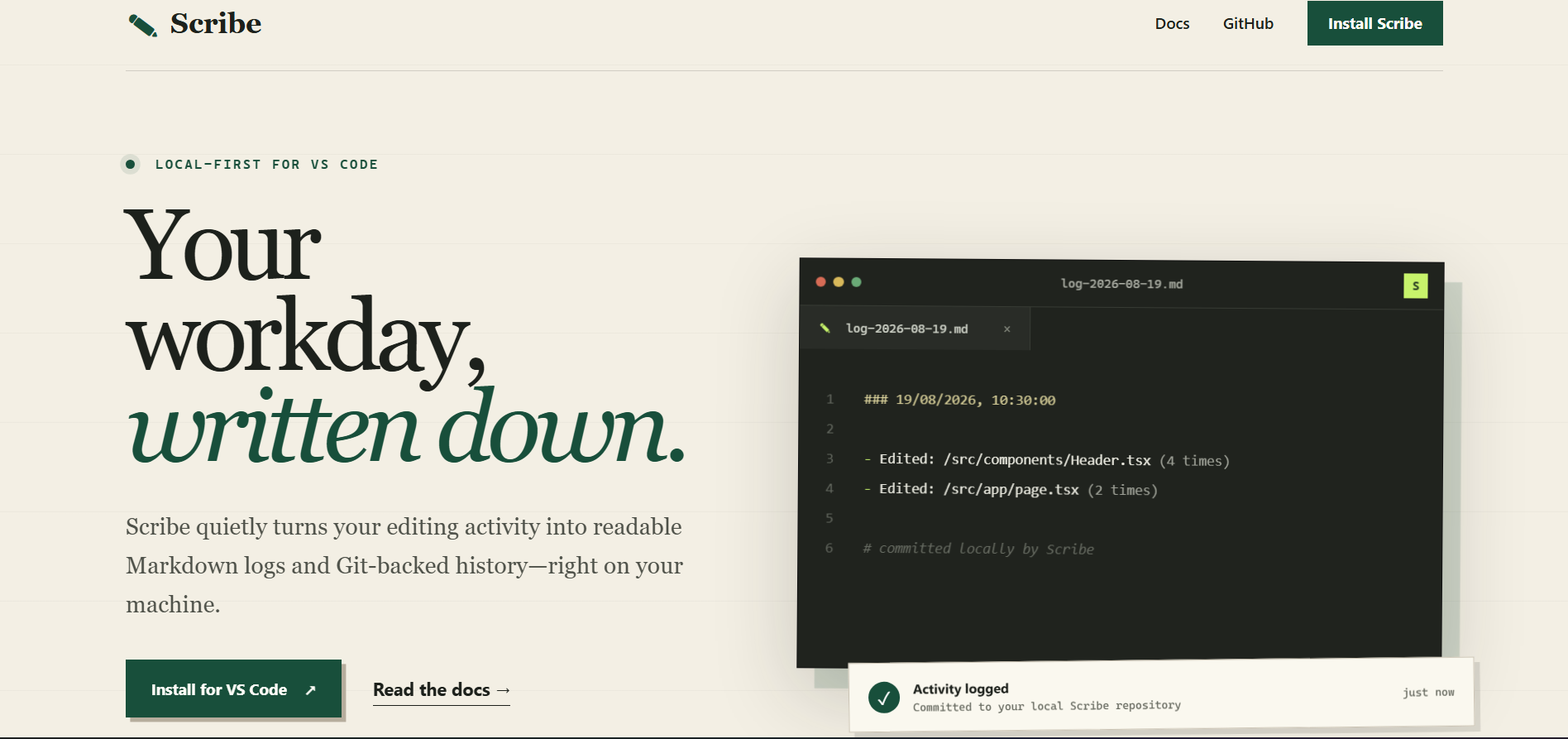
The first decision was what to capture. Scribe counts edits per file and writes, at an interval the developer chooses (every 30 minutes by default), which files changed and how many times.
| Recorded | Not collected |
|---|---|
| File paths relative to the workspace, and how many edits each file received in the interval | The contents of your files, or the code you typed |
| A timestamped Markdown log for each day, plus daily and weekly summaries | Terminal activity, keystrokes, or time spent in the editor |
| A local Git history of those logs | Any telemetry, account, or analytics |
Paths and counts are enough to reconstruct a day without capturing anything sensitive inside the files. Earlier versions recorded absolute paths, and I changed them to workspace-relative paths because absolute paths leak details such as usernames and folder layouts that the log doesn’t need.
Keep the history under the developer’s control
Logs are written to a folder for each workspace inside a .scribe directory in the developer’s home folder. They are plain Markdown, readable without Scribe. There is no account, no hosted dashboard, and no remote sync, and the extension makes no network requests.
Git as the history
Rather than invent a storage format, each log interval is committed to a private Git repository inside that folder. Git already gives a durable history, diffs, and branches, and developers already understand it.
- Summaries collect the commit messages for the day or week from the log history. They’re built from Git, not generated by AI.
- Diff compares two snapshots of the journal side by side in the editor.
- Restore shows what a snapshot contains, then asks for confirmation before rewinding the journal to it. You can also create a branch from a snapshot instead.
Git commands run without a shell and snapshot references are validated before use. An earlier version passed values into shell commands during restore and diff, and I fixed that injection risk in 0.0.7.
Privacy and recovery implications
- File contents are never recorded, but file names can still say a lot about a project. The logs are plain text in your home folder, so anyone with access to that folder can read them.
- Files opened from outside the workspace are logged with their full path.
- Restore and diff act on the journal, not on your code. They recover the context of what you were doing, not the source itself.
- Two workspaces with the same folder name share one journal.
Status
Scribe is public on the VS Code Marketplace (version 0.0.8) with a product website and documentation. Optional remote sync is listed on its roadmap and isn’t part of the current extension.